Personalize Your Nursery with a Laser Cut Round Wall Sign
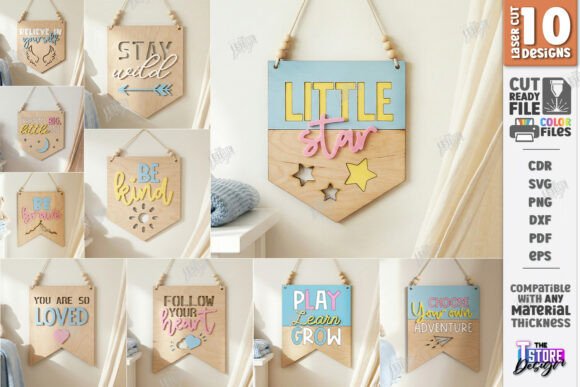
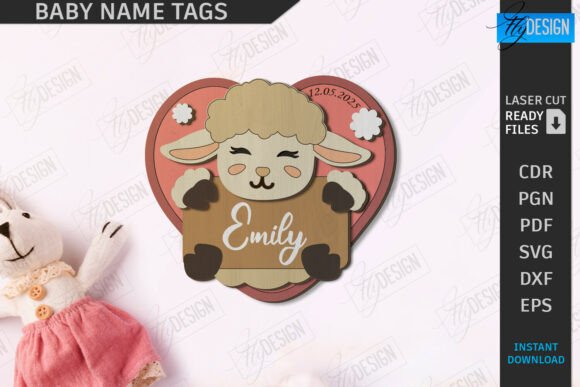
Imagine transforming a simple piece of wood or acrylic into a stunning, personalized centerpiece for a child's room. That's the magic of a well-designed digital file, and the Baby Name Tag Laser Cut |Round Wall Sign is a perfect example. This versatile design asset allows creators and crafters to produce beautiful, custom nursery décor with professional precision, making it an essential tool for anyone with a laser cutting machine.
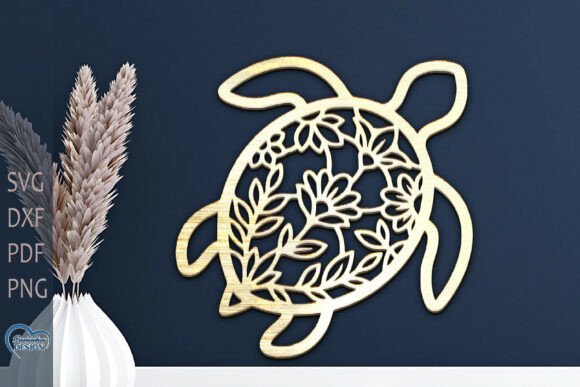
This isn't just a simple graphic; it's a complete design package engineered for seamless production. The file is meticulously prepared with clear instructions: use the red lines for cutting and the black lines for engraving. This ensures your laser cutter interprets the design correctly, whether you're creating a delicate name tag or a bold room sign. The included formats—SVG, EPS, PNG, PDF, and DXF—offer incredible flexibility, ensuring compatibility with most major design software and cutting machines.
Creative Applications for Your Laser Cut Design
The true value of this design lies in its adaptability. While its primary purpose is to create a personalized baby name tag or a charming round wall sign for a nursery, its applications extend far beyond. Consider these creative uses:
- Children's Room Décor: Craft a cohesive theme by cutting matching signs for doors, toy bins, or reading corners.
- 3D Wall Art: Use layered materials to add depth, creating a dynamic 3D round wall sign that becomes a room's focal point.
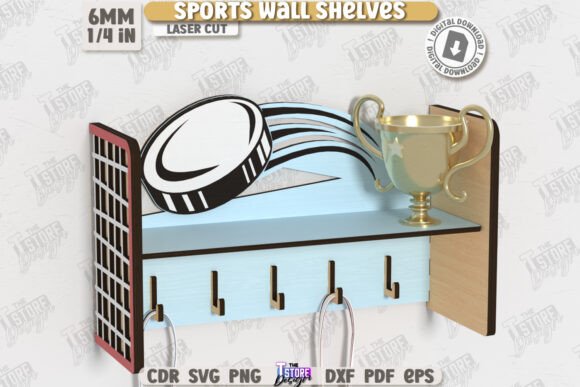
- Gift-Making: Produce thoughtful, handmade gifts for baby showers, birthdays, or holidays that are both personal and professional.
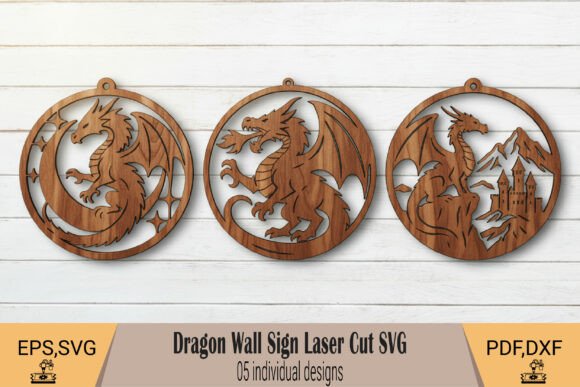
- Home Décor Accents: Adapt the circular design for family name signs, inspirational quotes, or seasonal decorations.
For optimal results, especially if you use Lightburn software, the recommendation to use the DXF file format is a crucial tip that prevents dimensional distortion. This attention to detail ensures your final product is exactly as envisioned, saving time and material.
Tips for a Flawless Final Product
Choosing the right design asset is the first step. To ensure your project is a success, keep these practical considerations in mind:
- Material Matters: Test your settings on a scrap piece of your chosen material—whether it's plywood, MDF, or acrylic—to perfect your power and speed for clean cuts and crisp engravings.
- Design Flexibility: The PNG file is ideal for digital mockups or print projects, while the vector formats (SVG, EPS, DXF) are your go-to for scalable, editable designs in software like Adobe Illustrator or CorelDRAW.
- License Check: Always review the product's licensing terms to confirm it fits your intended use, whether for personal projects or commercial sales.
In the world of design, the right asset elevates your work. A thoughtfully crafted file like this one provides a foundation for creativity, allowing you to focus on personalization and artistry rather than technical hurdles. It streamlines the process from digital file to physical masterpiece, ensuring a polished and professional presentation every time. By integrating such high-quality design assets into your workflow, you enhance the consistency and appeal of your creations, whether they're for your own home or for a discerning client.